
WordPress Website Maintenance Services in Pakistan: Keep Your Site Safe
Our WordPress website maintenance services keep your site updated, backed up and working, so you can get on with running your business. Webtors is a Karachi team working with WordPress since 2014, which means you get support in your own time zone, in plain language, from people who also build websites.
Why WordPress website maintenance services matter
A website is not finished on launch day. WordPress, your theme and your plugins all receive updates, many of which fix security problems. Skip them and your site slowly becomes easier to break into. Apply them carelessly and an update can take the site offline at the worst moment.
Most owners only think about this once something goes wrong: the site has been hacked, Google shows a warning, or enquiry forms have quietly stopped working for weeks. WordPress website maintenance services exist to catch these problems early, when they are cheap to fix.
Many maintenance providers ranking on Google are in the US and charge in dollars. They can be very good, but they may not be available in your working hours, and they may not know your local payment gateway or courier. A team in Karachi can.
What our WordPress website maintenance services include
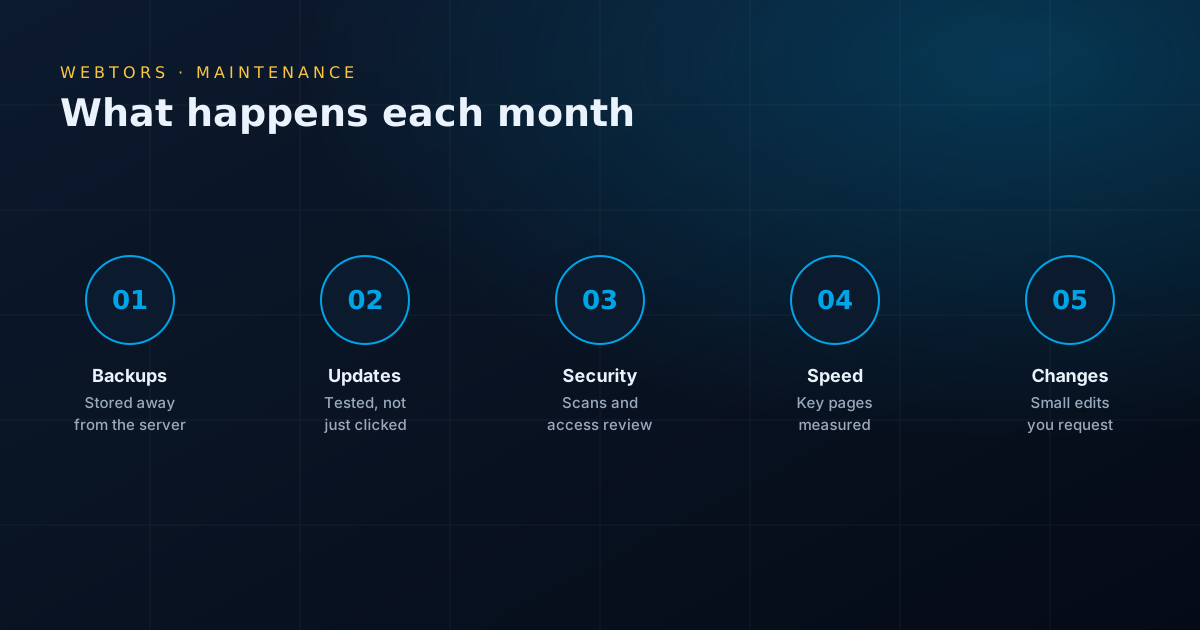
Software updates
WordPress core, themes and plugins are updated on a planned schedule, following WordPress’s own update guidance. We check what changed first, and we test the site afterwards.
Backups you can actually restore
Backups run on a schedule and are stored away from your main server. A backup that has never been tested is only a hope, so we check that restores really work.
Security checks
We look for suspicious files, unknown admin users and outdated software, and we keep access limited to the people who need it. We follow the advice in the WordPress hardening guide.
Speed checks
Sites slow down over time as images and plugins pile up. We measure key pages and tell you when something needs attention. For deeper work, see our WordPress speed optimization service.
Small content changes
New staff photos, updated prices, a new service page, or a holiday notice. Send us the details, and we will make the change.
Monitoring and checks
We test forms, watch for broken pages, and review Google Search Console for errors, so you hear about problems from us rather than from a customer.
How WordPress website maintenance services should update a site
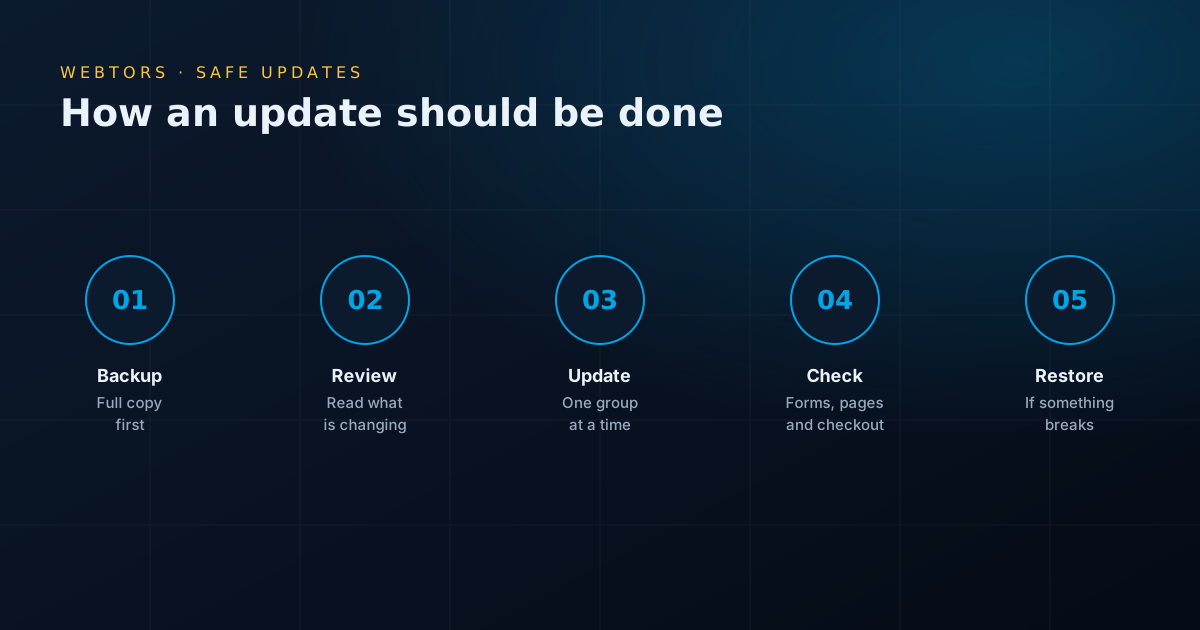
Clicking "update all" is how many sites break. This is the routine behind our WordPress website maintenance services:
- Take a full backup of files and database.
- Read what is changing, especially major version updates.
- Test on a staging copy where your hosting allows it, particularly for stores.
- Update in small groups, so a problem can be traced to its cause.
- Check key functions: the homepage, forms, menus and checkout.
- Restore if needed, then find a proper fix instead of leaving the site out of date.
What happens without website maintenance?
Nothing dramatic, until something does. These are the problems we are most often asked to fix on sites that nobody has been looking after:
- Hacked sites: usually through an old plugin. Visitors get redirected to spam, or Google adds a warning.
- Lost enquiries: a form stops sending mail, and nobody notices for weeks.
- Expired domains or SSL: the site vanishes or shows a browser warning. Renewal reminders often go to an old email address.
- Broken layouts: a server PHP upgrade or an old theme causes errors.
- No usable backup: the only copy turns out to be months old, or it was stored on the same hacked server.
- Slow pages: years of uploads and unused plugins add up.
WordPress website maintenance services for WooCommerce stores
Stores need more care than brochure sites. A broken checkout costs you money each hour, and customer data needs protecting. For WooCommerce, we pay close attention to payment gateways and courier plugins, test real purchases after updates, and schedule work for quieter times rather than during a sale. If you are planning a new store, see our e-commerce website development page.
WordPress website maintenance services after a hack
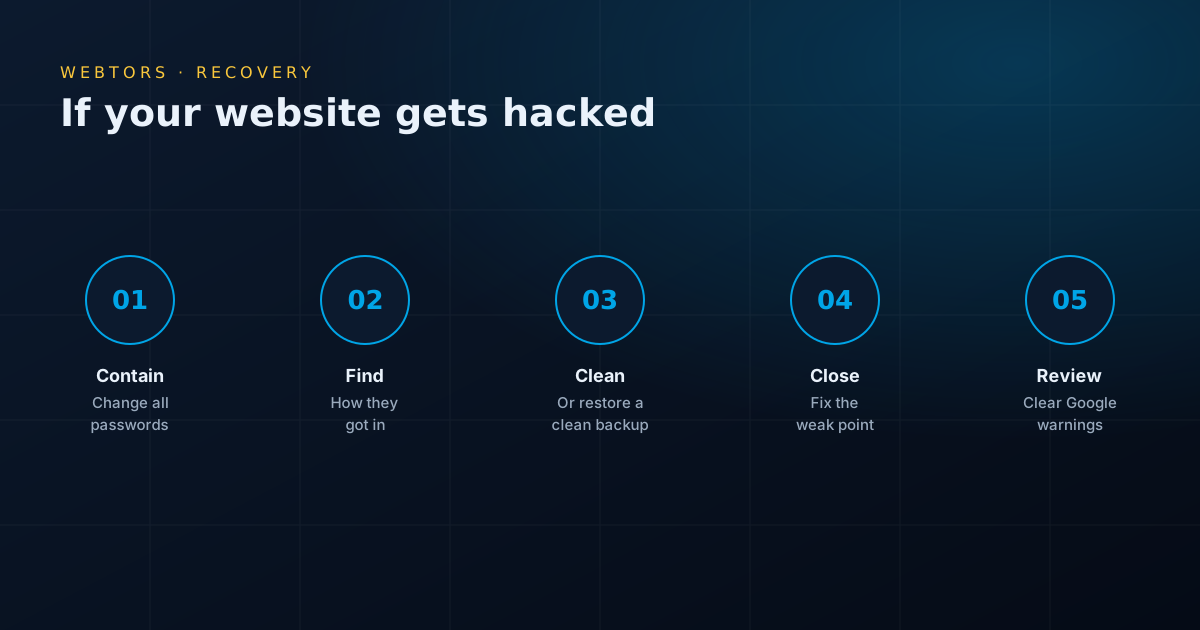
Don’t panic, and don’t simply delete the odd-looking files you find. A proper recovery follows these steps:
- Contain it: change every password, including hosting and database, and remove unknown users.
- Find the way in: otherwise the attacker will simply return.
- Clean or restore: remove the malicious code, or restore a clean backup and then update it.
- Close the hole: update or replace the weak plugin or theme.
- Clear warnings: if Google has flagged the site, request a review through Search Console.
We take on this work for sites we did not build. Afterwards, we can keep the site protected with ongoing WordPress website maintenance services.
Do it yourself or hire website maintenance services?
If your site is small and someone on your team is comfortable with WordPress, you can do much of this yourself. A realistic routine looks like this:
- Weekly: confirm backups ran, and send a test enquiry through your forms.
- Monthly: back up, update plugins and themes, then check key pages.
- Quarterly: remove unused plugins and old users, test a backup restore, and check your speed.
- Yearly: confirm your domain, hosting and licence renewal dates, and review old content.
It makes sense to pay for WordPress website maintenance services when your site brings in real business, when nobody has time to do this regularly, or when you would not know how to recover from a bad update.
Who is responsible for what?
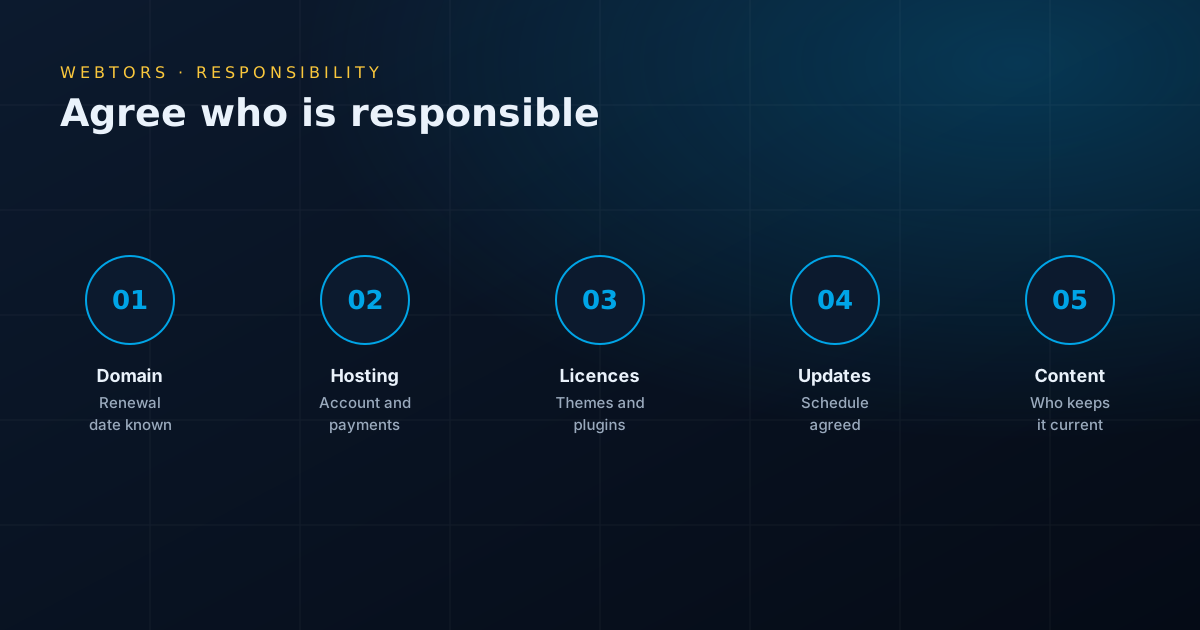
Many website disasters come from each side assuming the other was handling something. Before you start with any provider, get these points clear in writing:
- Domain: who renews it, and is it registered in your company’s name?
- Hosting: whose account is it, and who pays?
- Licences: who pays for premium plugins and themes?
- Backups: where are they stored, and for how long?
- Content: who keeps prices, staff details and news up to date?
- Emergencies: who do you call, and what happens outside office hours?
What do WordPress website maintenance services cost in Pakistan?
Most providers charge a monthly or yearly fee, and the right level depends on your site. The main factors are:
- the size of the site and the number of plugins,
- whether it is a store or a brochure site,
- how many content changes you need each month,
- how often backups need to run,
- how quickly you need a response.
Be careful when comparing. A very cheap plan may just mean running an automatic update tool, with no testing. Ask what is checked afterwards, and what happens if an update breaks your site. We review your site first, then send a quote that lists what is included.
Questions to ask about website maintenance services
- Do you test the site after updates, and how?
- Where are backups stored, and have you tested a restore?
- How many content changes are included?
- Is hacked site cleanup included, or charged separately?
- Will I get a record of what was done each month?
- What happens to my logins and backups if I leave?
Why choose Webtors for WordPress website maintenance services
- Local support: a team in DHA, Karachi, working in your time zone, on phone, email and WhatsApp.
- Developers, not just tools: when an update breaks something, we can fix the code.
- Experience since 2014: over 1,100 websites and projects for more than 990 clients.
- We work on other people’s sites: you don’t need to have built your website with us.
- Rated 4.9 on Google: from 206 reviews by real clients.
Need more than upkeep? We also offer WordPress development and SEO services from the same team.
How to start with WordPress website maintenance services
A new maintenance client’s site usually needs a one-time review first, since nobody has been looking after it. When you start our WordPress website maintenance services, we normally do the following:
- Collect access: WordPress admin, hosting and domain details, with a safe way to share them.
- Take a full backup before touching anything.
- Review the site: outdated software, unused plugins, unknown users, PHP version, and any signs of a hack.
- Fix the urgent problems: sometimes years of skipped updates have to be applied carefully, in stages.
- Agree the routine: update schedule, backup frequency, how to request changes, and who to contact.
A site that has gone years without updates can take more work at the start. It’s better to know that upfront than to discover it during an emergency.
A simple backup rule for WordPress website maintenance services
Backups only help if they survive whatever went wrong. Many sites keep their only backup on the same server, so when the server fails or is hacked, the backup goes too. A good approach is to keep several copies, in more than one location, with at least one away from your hosting account.
Think about how much work you could afford to lose. A brochure site that changes monthly may be fine with weekly backups. A store taking orders every hour needs them far more often, because a week-old backup would lose a week of orders.
Plugin risks in website maintenance
Plugins are the most common way into a WordPress site, so part of good website maintenance is keeping that list short and healthy. We look for:
- Abandoned plugins: no updates in a long time, or removed from the WordPress directory.
- Deactivated plugins: inactive code can still be a risk, so delete what you don’t use.
- Nulled copies: pirated premium plugins can contain hidden code and don’t receive proper updates.
- Expired licences: a premium plugin with an expired licence may have stopped updating without anyone noticing.
- Overlapping plugins: two tools doing one job waste resources and can conflict.
Hosting and PHP upkeep
Your website depends on the server beneath it. Hosts retire old PHP versions, sometimes with little notice, and an old theme may break when that happens. Part of our WordPress website maintenance services is checking that your PHP version is supported, that your SSL certificate renews properly, and that your disk space isn’t running out. If your current hosting is causing repeat problems, we will tell you, and our managed WordPress hosting is one option.
WordPress website maintenance services and your rankings
Technical problems can quietly hurt your search visibility. During maintenance, we watch for:
- pages Google can’t reach, or errors in Search Console,
- broken internal links after content changes,
- an accidental "noindex" setting after an update,
- a sitemap that has stopped working,
- pages that have become much slower.
Maintenance protects what you already have. To grow your traffic, see our SEO services in Karachi.
Keeping content up to date
Outdated content quietly costs you trust. A phone number that no longer works, a staff member who left two years ago, or a "latest news" section from 2021 makes visitors wonder whether you are still in business. Check these at least once a year: contact details, prices, staff, services you no longer offer, opening hours, copyright dates and policy pages. Website maintenance services can handle the changes, but only you know what has changed, so tell your provider.
What WordPress website maintenance services should report
You shouldn’t have to take maintenance on trust. Whichever provider you choose, ask for a short record each month, showing:
- what was updated, and any issues found,
- when the latest backups ran,
- any security findings,
- speed and uptime notes,
- content changes that were made,
- anything that needs a decision from you.
WordPress website maintenance services by type of business
The right level of care depends on what the site does for you:
- Company websites: updates, backups, and occasional content changes are usually enough.
- Online stores: more frequent backups, and purchase testing after updates.
- Banks, clinics and larger organisations: tighter access control, approval steps and careful records.
- Sites running ads: check landing pages and tracking often, since a broken page wastes your budget every hour.
- Blogs and news sites: watch database size and image storage, which grow fast.
When WordPress website maintenance services aren’t enough
Sometimes the honest advice is that a site has reached the end of its life. If it relies on abandoned plugins, an unsupported theme, or code nobody understands, you may spend more keeping it alive than replacing it would cost. We will tell you if we think that’s the case, and explain the options. A new website isn’t always the answer, but sometimes it’s the cheaper one over a few years.
Signs your site needs WordPress website maintenance services now
Log in to your WordPress dashboard and look around. It only takes a few minutes, and these are the things that should prompt you to act soon:
- the Updates page lists many items waiting, some for months,
- there are admin users you don’t recognise,
- plugins are listed that nobody remembers installing,
- your hosting panel shows a PHP version that is no longer supported,
- you can’t say when your last backup ran, or where it’s kept,
- you haven’t received a test enquiry through your own form recently,
- Google Search Console has emailed you about security or indexing problems.
None of these means disaster, but each one is cheaper to deal with now than after something breaks. If you would like a second opinion, send us your website address and we will tell you what we can see from the outside before you decide on anything. There is no obligation, and even if you choose another provider, you will know what needs attention.
WordPress website maintenance services: common questions
How much do WordPress website maintenance services cost in Pakistan?
It depends on the size of the site, whether it is a store, and how many changes you need. We review your site first, then send a quote listing what is included.
Do your WordPress website maintenance services cover sites you did not build?
Yes. We review the site first and tell you about any problems that need fixing before regular maintenance starts.
How often do WordPress website maintenance services update a site?
Security updates should be applied soon after release, and a monthly routine suits most other updates. Stores and busy sites may need checking more often. Always take a backup first.
What is included in website maintenance services?
Typically software updates, backups, security checks, speed checks and small content changes. Always ask exactly what is covered, and whether the provider tests the site after updating.
Do your WordPress website maintenance services recover hacked sites?
Usually, yes. We find how the attacker got in, clean the site or restore a clean backup, close the weak point and help clear any Google warnings.
Can automatic updates replace WordPress website maintenance services?
They help with minor security fixes, but they can break a site with nobody watching. Backups, testing and someone checking your forms and pages still matter.
Do I need WordPress website maintenance services for a small site?
A small site with little change may only need a light routine, which you can do yourself. But small sites still get hacked, because attacks are automated and don’t care about size.
Start a project
Tell us what you want to build.
A new website, an online store, SEO or IT support — an expert will reply with honest advice and a clear quote. The first consultation is free.
- Phone / WhatsApp+92 334 3399900
- Emailsales@webtors.com
- OfficeMezzanine Floor M1, Plot #6C, Zamzama Commercial, Lane 2, Phase-V, DHA, Karachi, Pakistan